
Profit, costs and stock
How to enter costs, read profit on sales and check what to reorder.
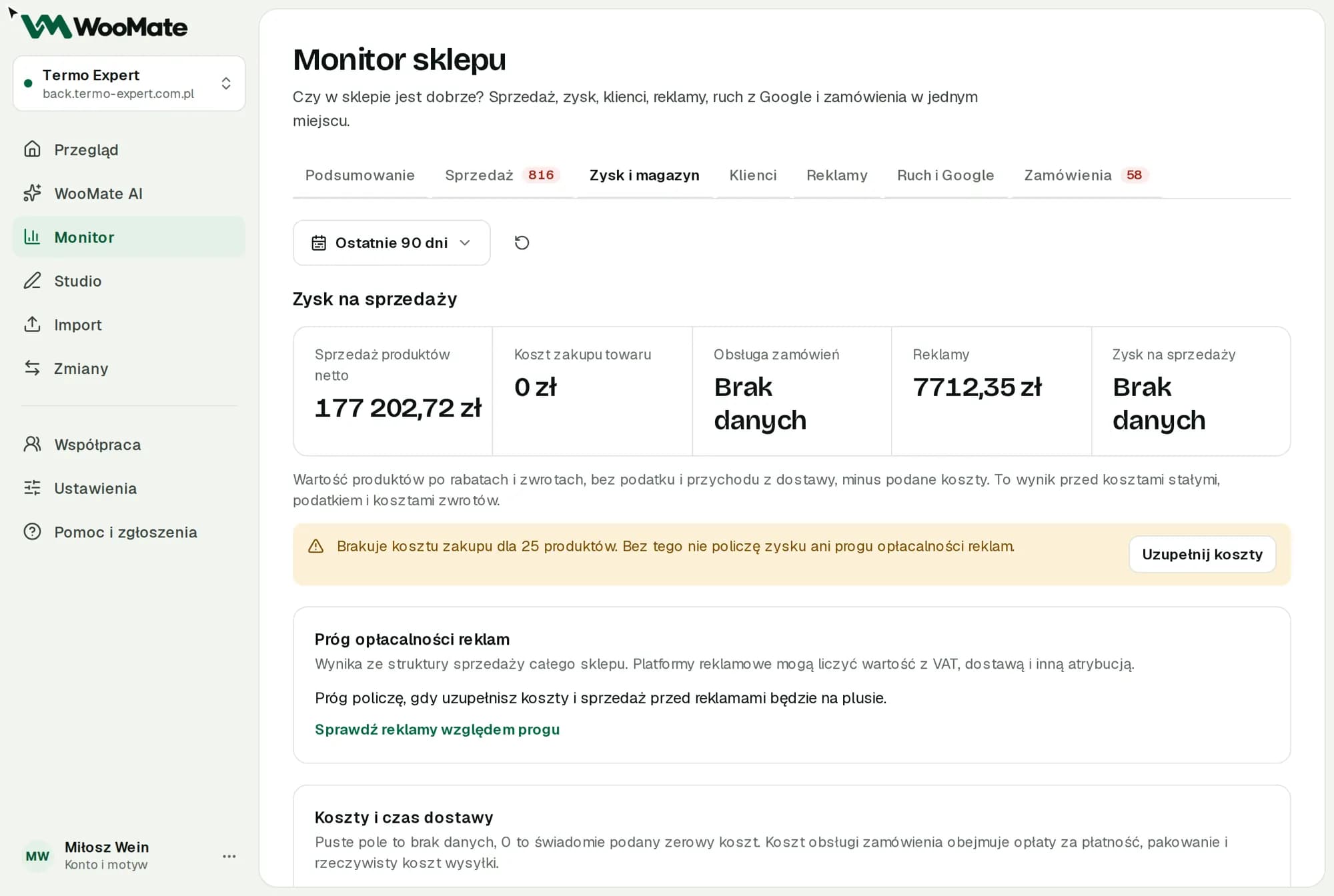
The Profit and stock tab subtracts costs from sales and suggests what to reorder.
What you need first
Purchase costs for your products. Without them, WooMate can't calculate profit or the break-even point for ads.
How we calculate profit
Profit on sales is the value of products after discounts and refunds, excluding tax and shipping revenue, minus the costs you entered. It's the result before fixed costs, tax and return costs.
Enter your costs
- Open Costs and lead times.
- Enter the Net handling cost per order. It covers payment fees, packing and the actual shipping cost.
- In the Ad spend field, choose From connected Google and Meta accounts or I don't run ads.
- In the table, enter the Net purchase cost / unit, Lead time (days) and Safety stock (days).
- Click Save and recalculate.
An empty field means no data, and 0 is a deliberate zero cost.
You enter costs in WooMate. Monitor doesn't pull purchase costs from WooCommerce.
If even one product sold in the period has no cost, Monitor won't show profit or the break-even point, only the number of products without a cost.
What to reorder
The What to reorder list uses the sales pace from the selected period:
- Reorder with the number of units
- No lead time: fill it in in the table
- No sales: check the listing and its visibility
- Stock is enough
The list doesn't account for seasonality or deliveries you've already ordered.
Dead stock means products in stock with no sales in the selected period.
Limitations
- Profit on sales doesn't include fixed costs, tax or return costs.
Related articles
Can't find the answer? Write to hello@getwoomate.com or request free onboarding help.